How to Use Claude for Marketing in 2026
This guide is about Claude for marketing. We will explain what Claude is good at, how it is different from other AI tools, and how you can use it in your daily work. In fact, Claude has become one of the most useful AI tools for modern marketers.
If you still think AI is just for writing a quick blog intro, you are missing a lot. By 2026, most marketers were already using AI every day. The real gap now is not “who uses AI” it’s “who uses it the smart way.”
Why Marketers Are Using Claude in 2026
Claude is made by a company called Anthropic. It is known for writing that sounds natural, not like a robot wrote it. Many marketers say Claude is better than other AI tools when they need long content, like blog posts, reports, or emails, because it keeps the same tone and style throughout.
AI use in marketing has grown a lot in the last two years. Most marketing teams now use AI for at least one task every week. People who use AI regularly say they save several hours every week, time they can spend on strategy and creative ideas.
The lesson here is simple: Don’t just “use AI.” Use the right tool, in the right way, for the right task.
What Makes Claude Different?
Writing that sounds human
Claude avoids the repetitive, stiff style. This matters because readers stop reading the moment content feels fake or robotic.
Projects and Artifacts
Save your brand voice once. Artifacts let Claude build real tools like landing pages or content calendars that you can edit instantly.
Claude Cowork
A helper that works inside your computer folders. It can read, edit, and create files on its own without you watching every step.
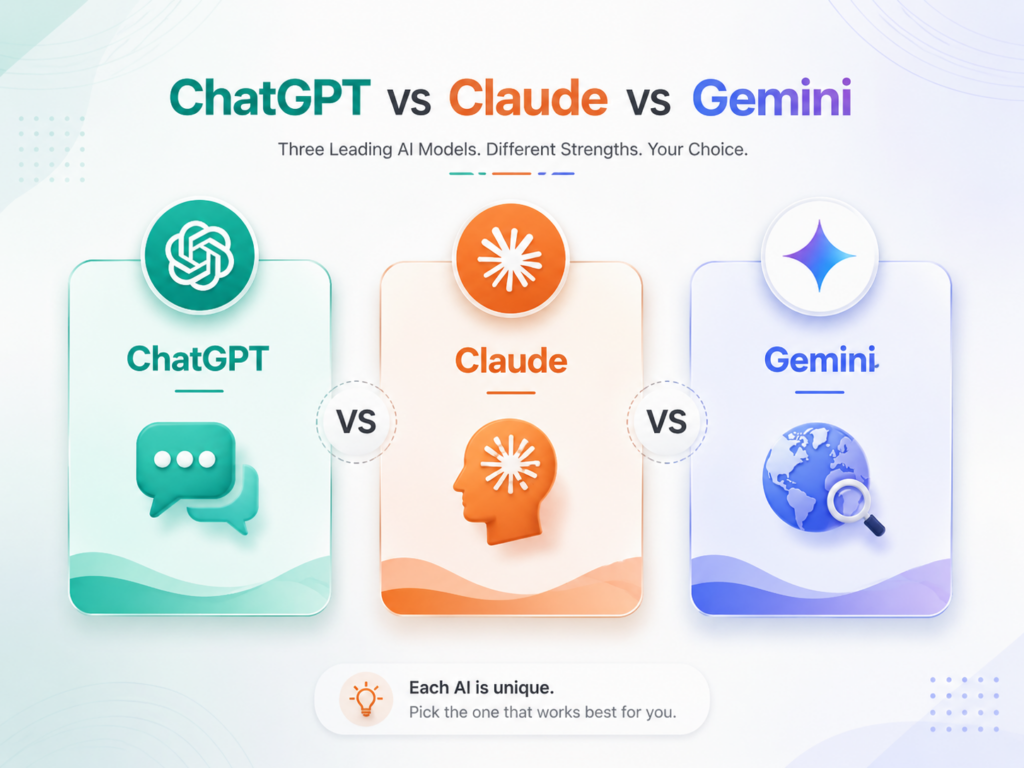
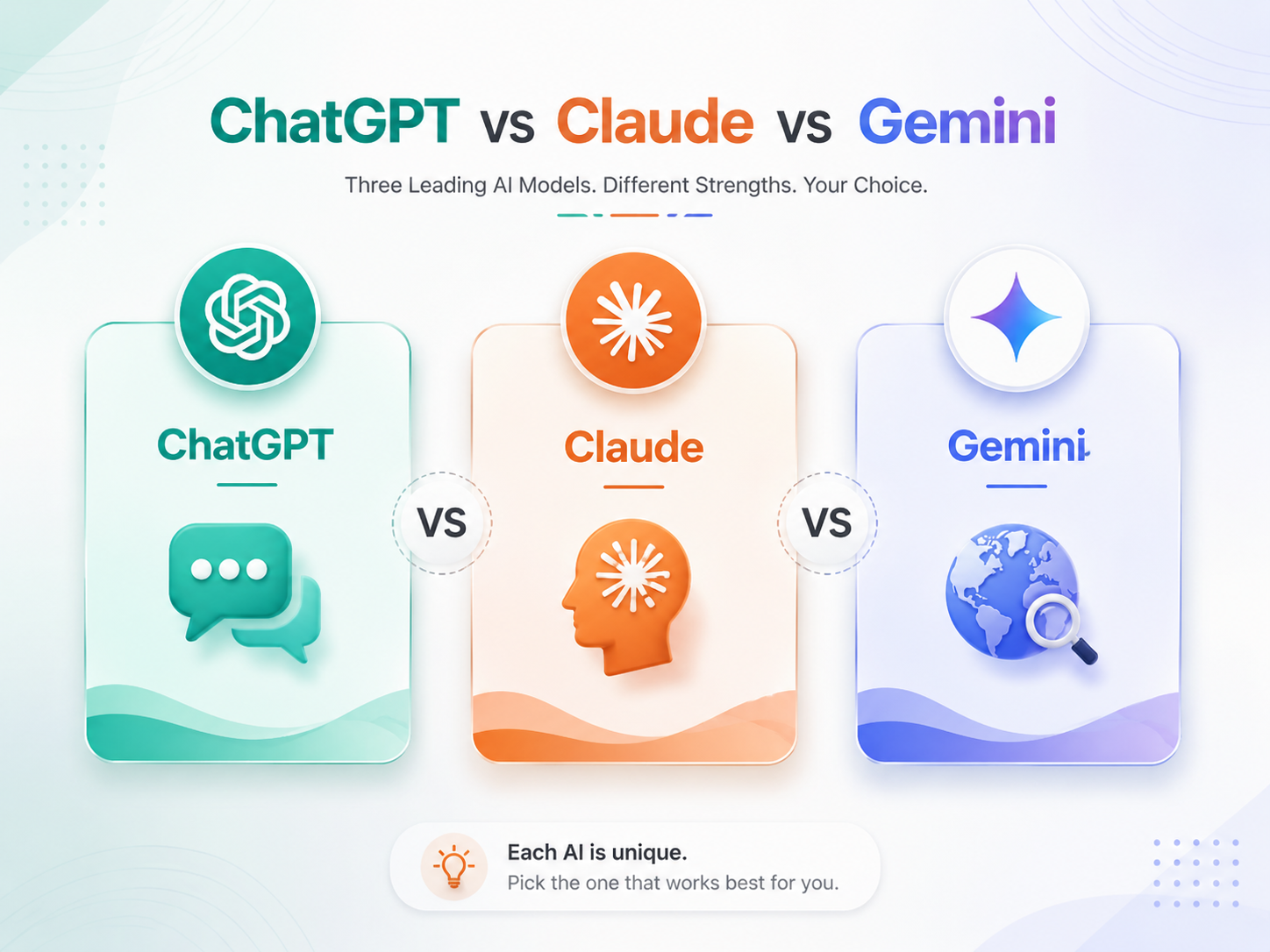
Quick Comparison: AI Tools for Marketers
| What You Need | Claude | ChatGPT | Gemini |
|---|---|---|---|
| Long writing (blogs, emails) | Very good, sounds natural | Good, but more robotic | Good, works with Google tools |
| Keeping brand voice | Easy with Projects | Needs manual setup | Needs manual setup |
| Building tools (Apps/Calculators) | Yes, “Artifacts” | Yes, “Canvas” | Limited |
| Images or Videos | No, not built-in | Yes | Yes |
| Task Automation | Yes, Claude Cowork | Needs Zapier/Extra apps | Some built-in automation |
| Best for | Writing & Brand Safety | All-round & Images | Google Workspace users |
⚠️ Important: The biggest thing Claude cannot do is make images or videos. If your work is mostly writing (blogs, emails, reports), Claude is a strong choice, but you’ll still need other tools for visuals.
7 Simple Ways to Use Claude for Marketing
Content Plans
Build headlines, outlines, and SEO strategies in seconds.
Blog & SEO
Save brand voice in Projects for consistent style every time.
Campaign Launch
Plan timelines, channels, and key messages with a partner.
Social Media
Turn one big idea into LinkedIn posts, emails, and ads instantly.
Customer Feedback
Analyze survey themes and sentiment in minutes, not hours.
Competitor Check
Use web search to track pricing and messaging shifts.
Interactive Tools
Build lead-gen calculators and quizzes using Artifacts.
Claude Prompts That Actually Work
For Content Planning
"Act like an SEO content strategist. My keyword is [X]; my audience is [Y]. Give me 3 headline ideas, a full outline, what the reader wants to know, and 2 gaps my competitors missed."
For Brand Voice
"Here is our brand voice guide: [paste]. Here are 2 examples of our best writing: [paste]. Write a [blog/email/post] about this [topic] in the same style."
For Campaign Planning
"We are launching [product] for [audience] on [date]. Build a full plan with key messages, a list of content needed, and a week-by-week timeline."
Pricing Plans
| Plan | Price | Best For |
|---|---|---|
| Free | $0 | Trying it out, light use |
| Pro | $20/mo | Solo marketers, freelancers |
| Max | $100-200/mo | Heavy daily users |
| Team | $25-125/pp | Marketing teams (min 5) |
Common Mistakes to Avoid
- Not saving brand info: Use “Projects” to save time.
- Posting first drafts: Always edit for the human touch.
- Trusting facts blindly: Double-check numbers and news.
- Ignoring Artifacts: Don’t miss out on interactive tools.
Frequently Asked Questions
Ready to Try Claude?
Start small. Set up one project, add your brand guide, and notice the difference in your next post. Claude is here to help you work smarter, not replace you.